Features
Everything your journal should do, in one place
Journal every trade automatically, analyze what works, and review with purpose. No spreadsheets, no manual math.
Dashboard
See how you are trading at a glance, with analytics, performance trends and a P&L calendar.
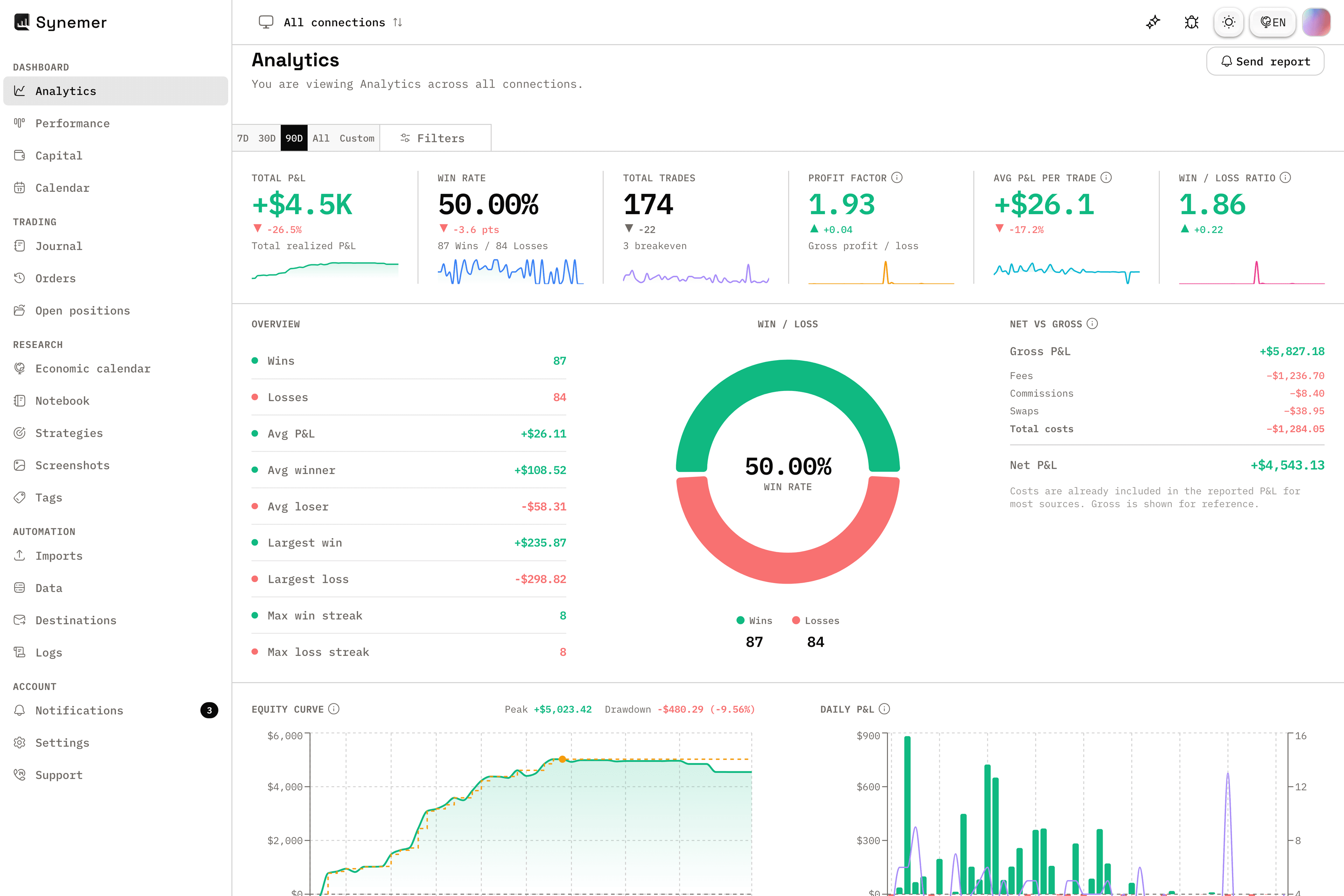
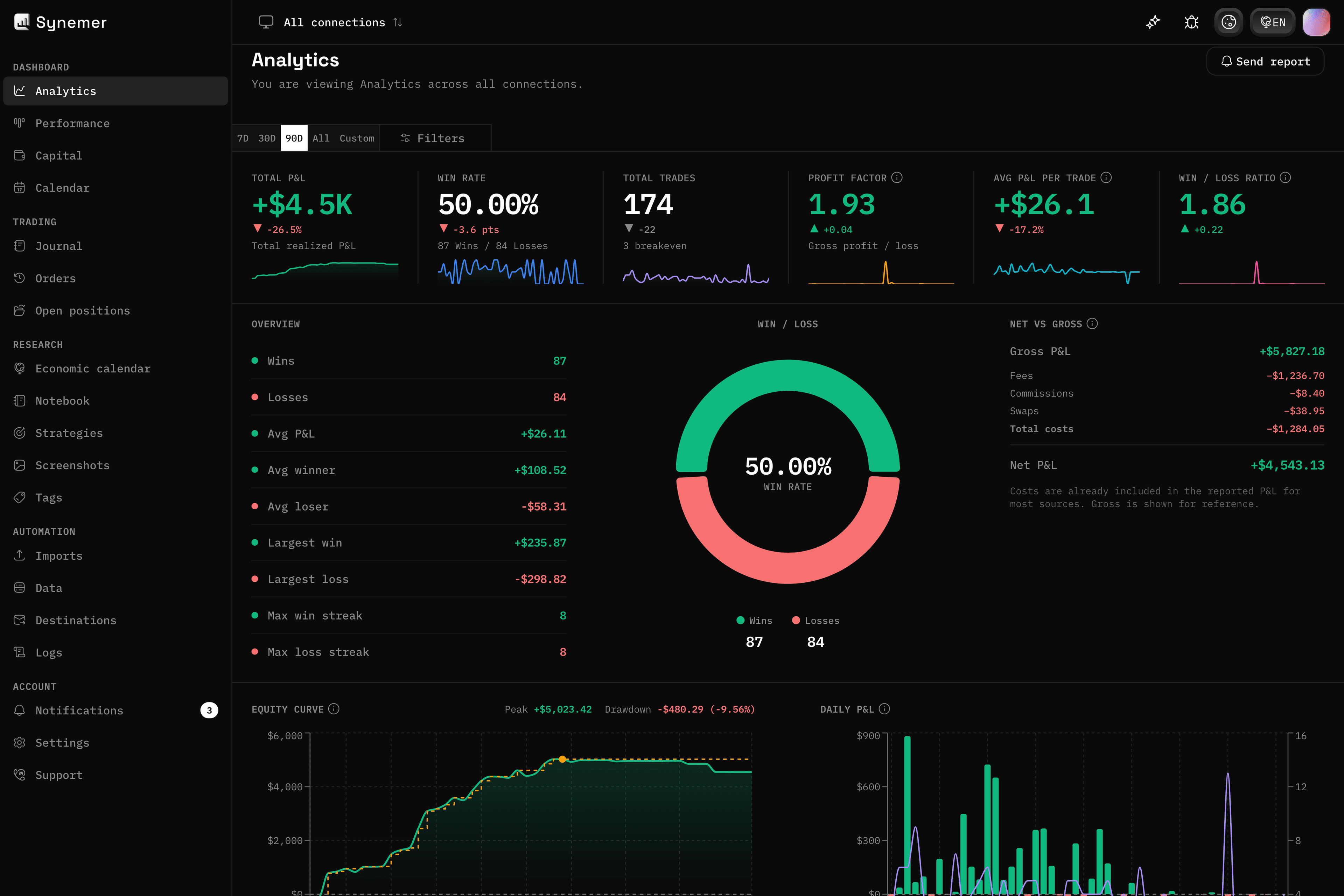
01 — Analytics
Analytics that find your edge
Win rate, profit factor, expectancy and more, broken down by symbol, side, strategy or connection.
The numbers tell you what to keep doing and what to cut.
- Win rate, profit factor and drawdown
- Filter by symbol, side, strategy or connection
- Actionable performance summaries
02 — Performance
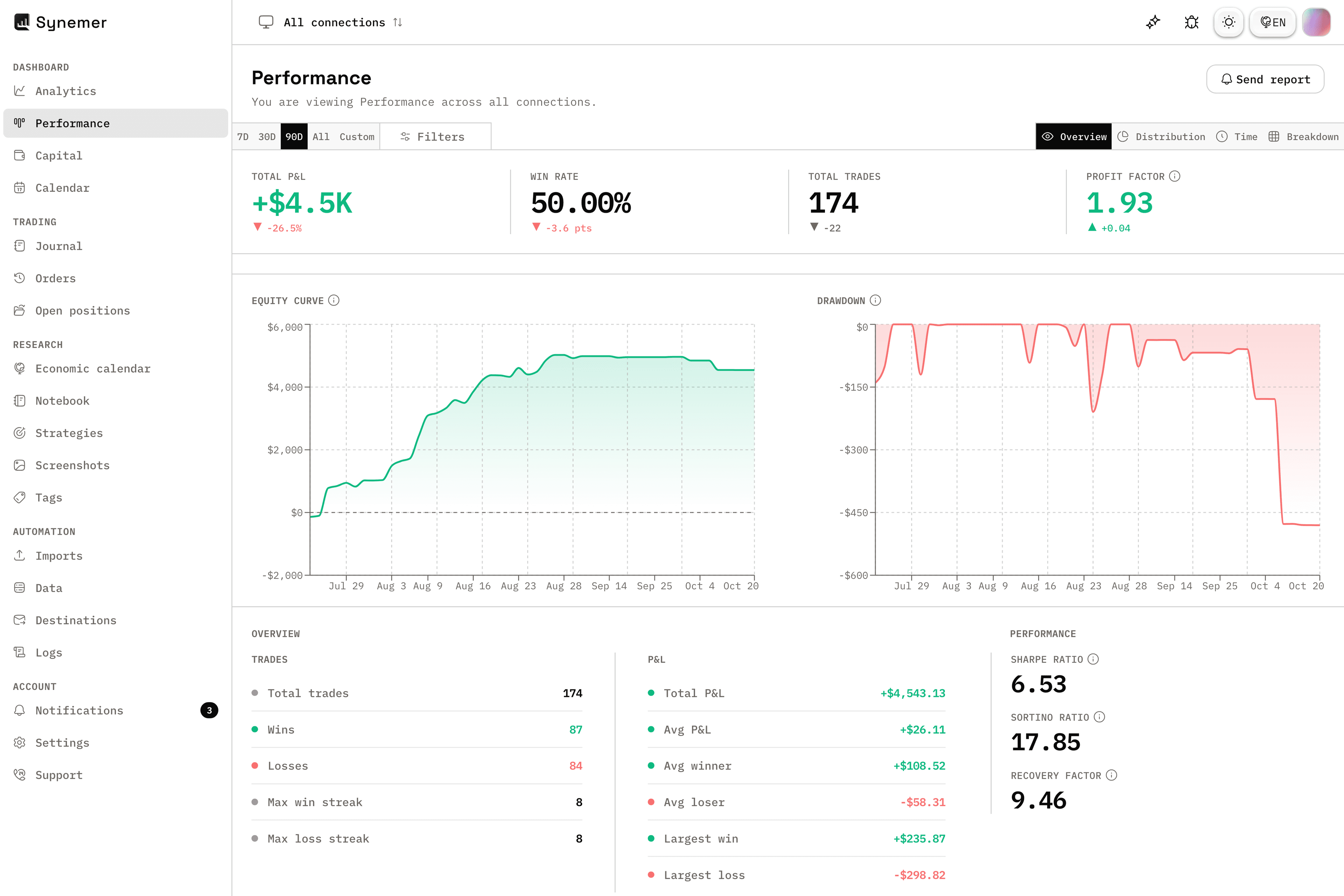
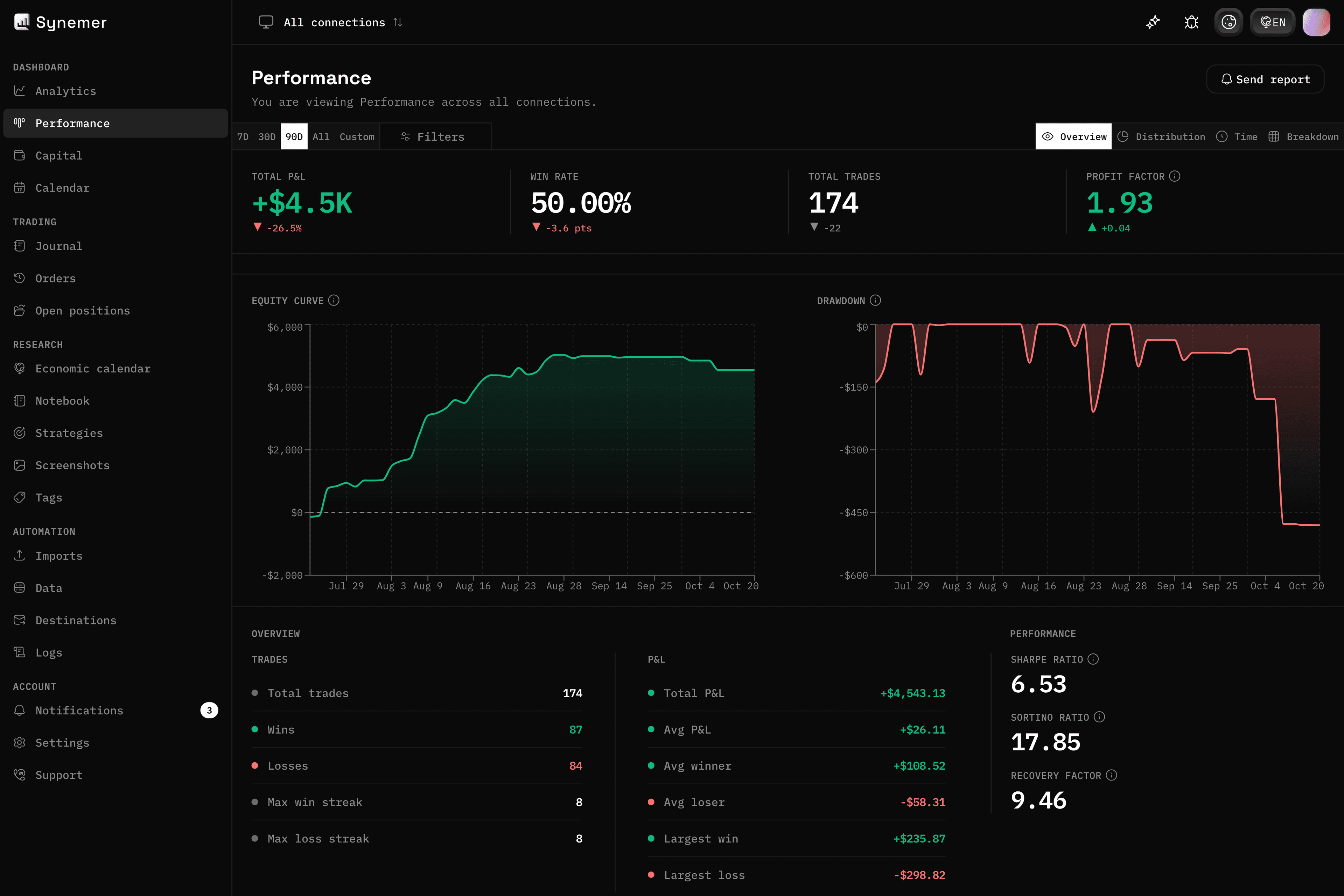
Performance at a glance
Track how your trading performs across days, weeks and months with charts and a P&L calendar.
See the rhythm of your results, not just the total.
- Performance dashboard with trends
- Streaks and period totals
- Session and period breakdowns
03 — Calendar
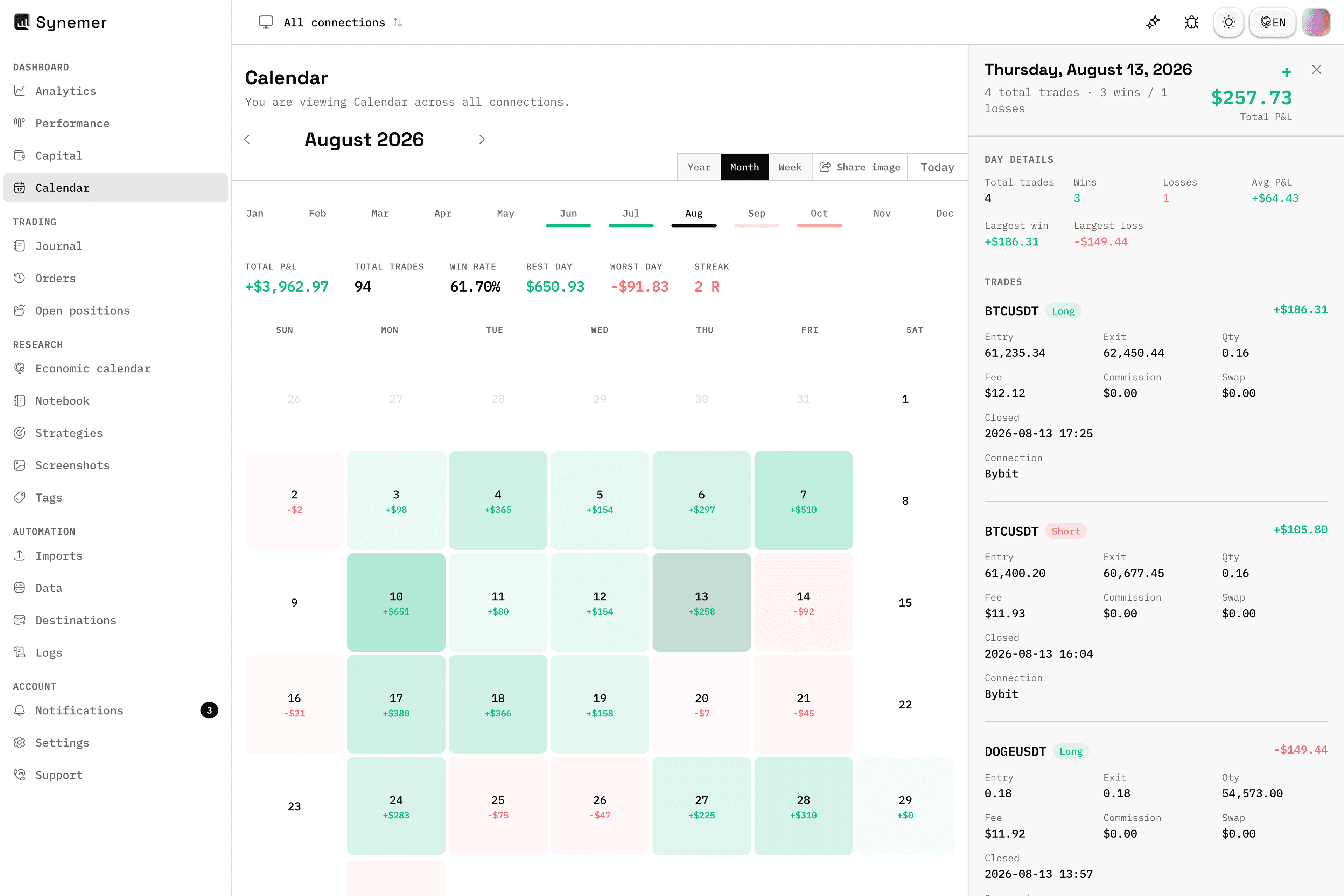
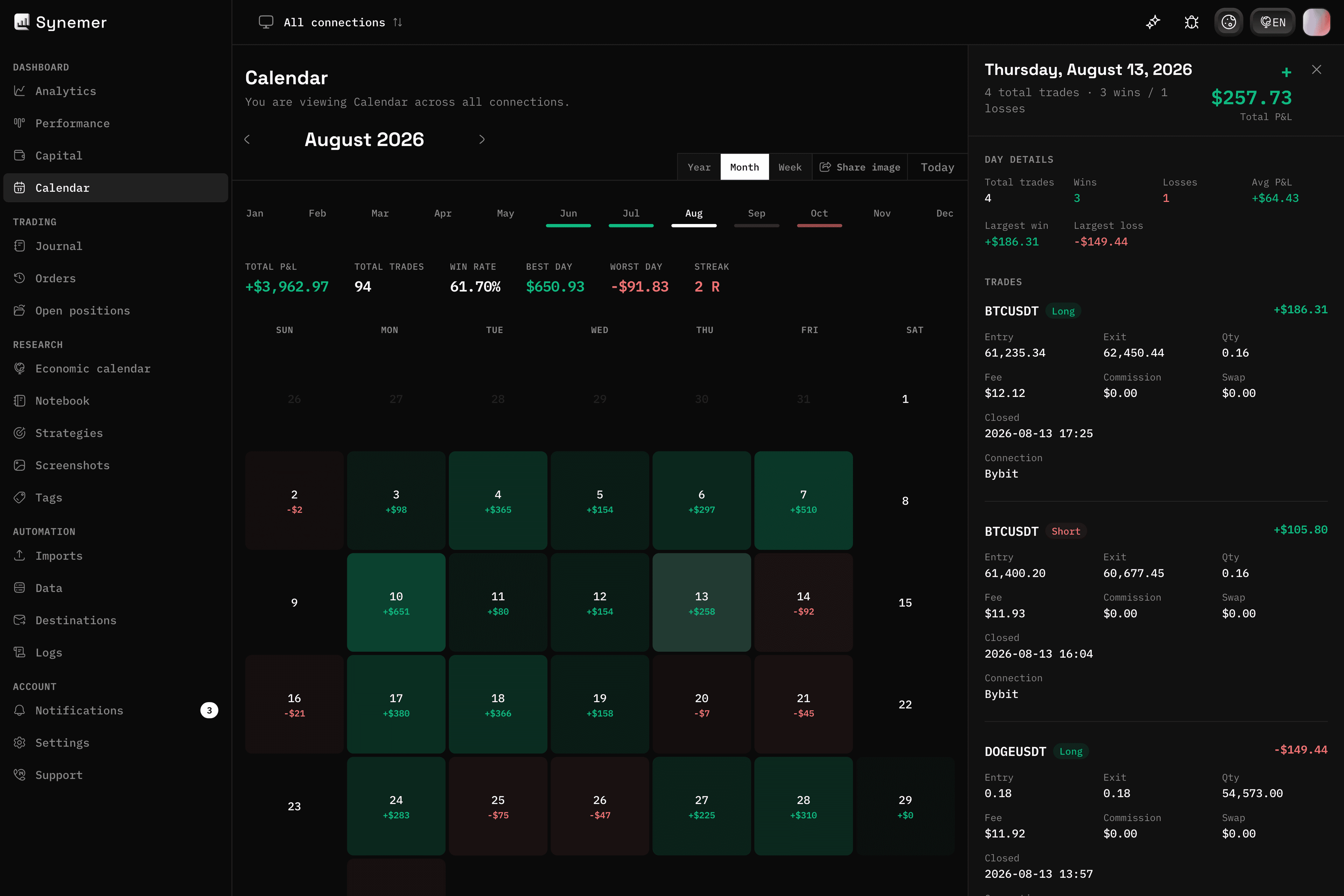
Your results, day by day
See the rhythm of your trading with a P&L calendar heatmap, month, week and year views, plus streaks and best and worst days.
Spot which days and conditions consistently work for you.
- Daily P&L heatmap
- Year, month and week views
- Streaks, best and worst day and month
Trading
Log every trade automatically and keep an eye on what you have open right now.
01 — Journal
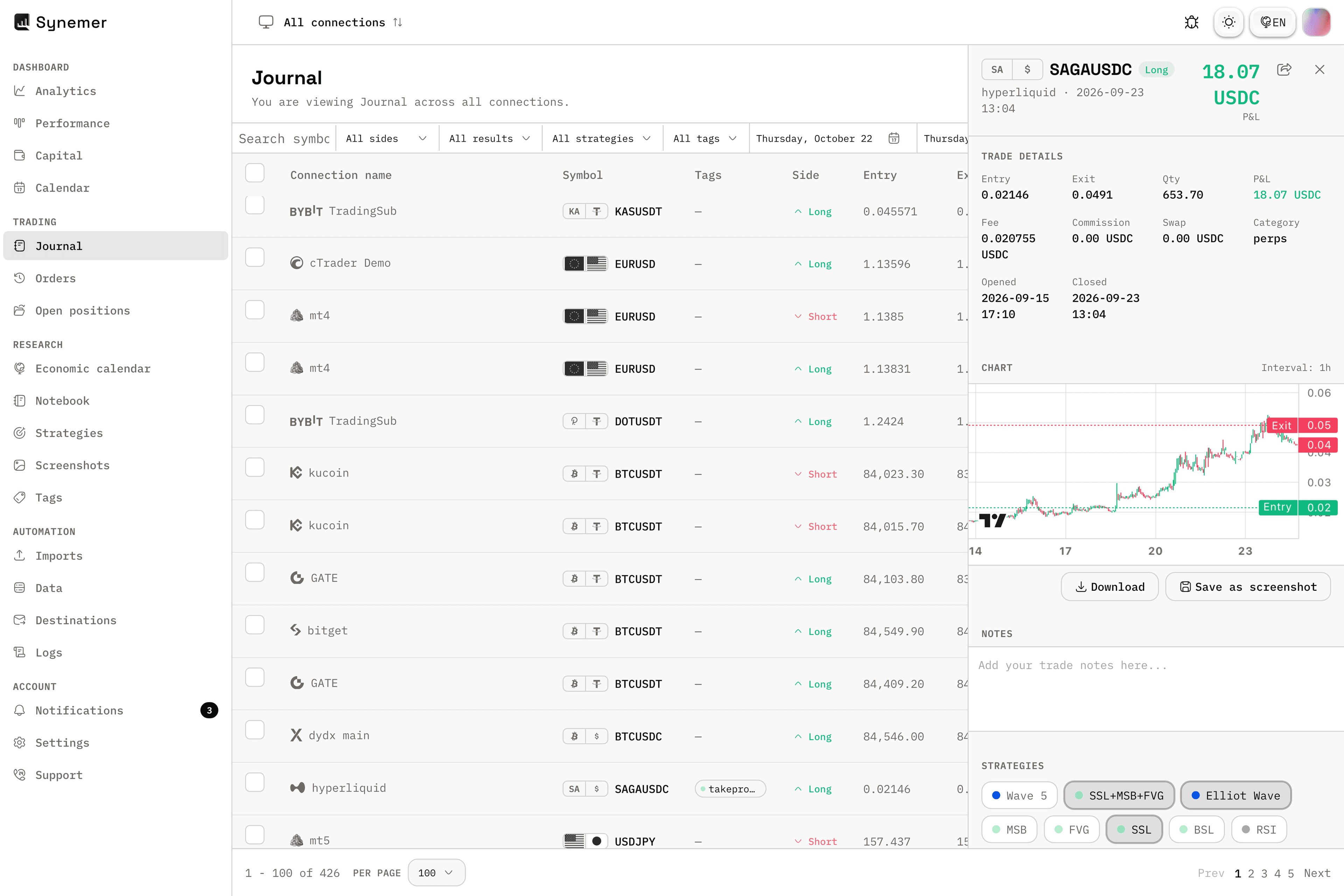
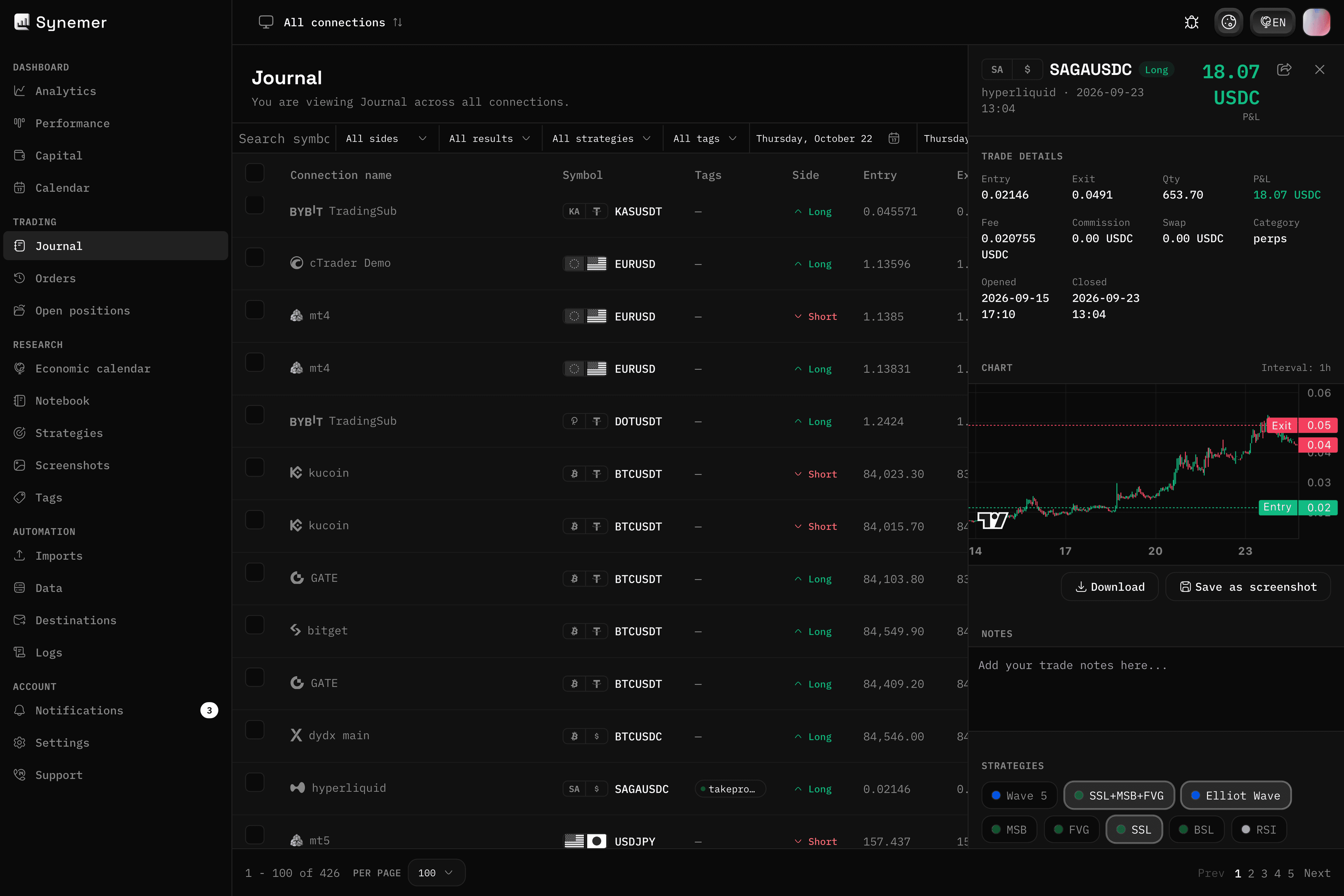
Your trading journal, always up to date
Every closed trade lands in your journal the moment it happens, synced automatically from your connected exchanges, brokers and platforms. Open any trade to see entry, exit, size and P&L at a glance.
Add notes, screenshots and tags to turn raw fills into lessons you can actually review.
- Automatic and manual entries
- Full trade details and P&L
- Notes and screenshots per trade
02 — Positions
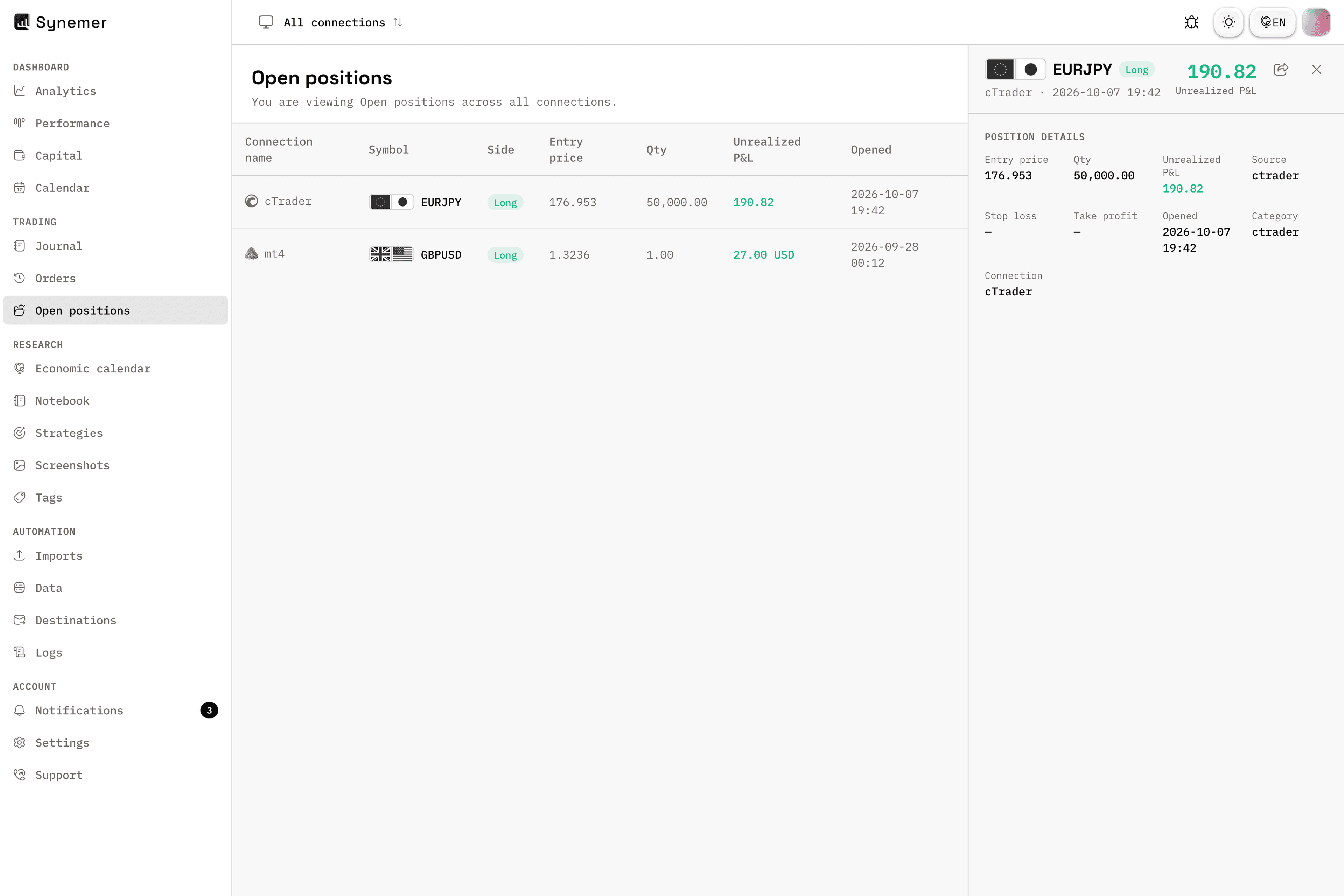
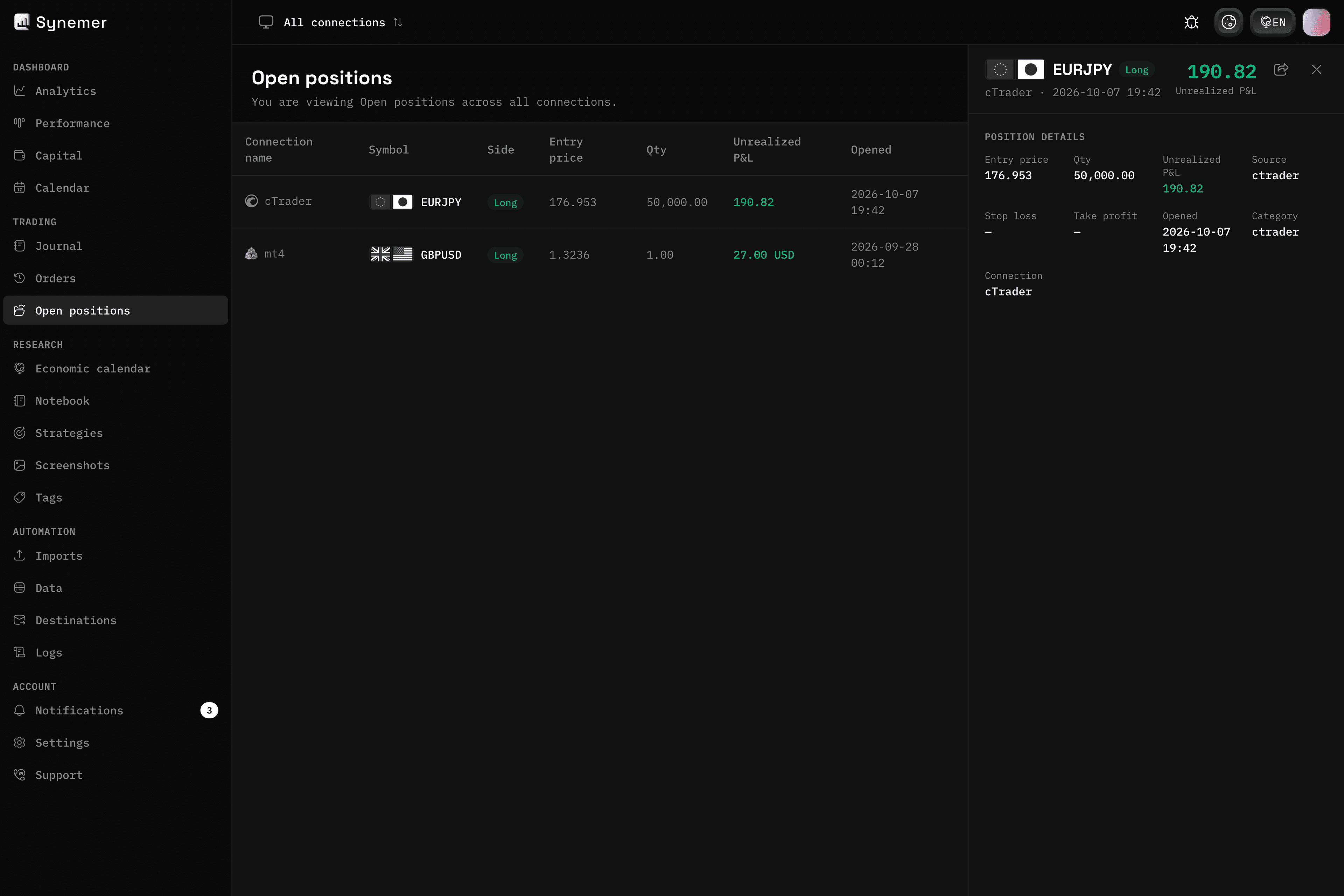
Open positions, live
See everything you have open right now, updated in real time from your connected accounts.
Spot the risk across your book before it becomes a problem.
- Live open positions from connected accounts
- Balance, size and unrealized P&L
- Detail panel for each position
Research
Find out what actually works by organizing your trades and filtering what matters.
01 — Strategies
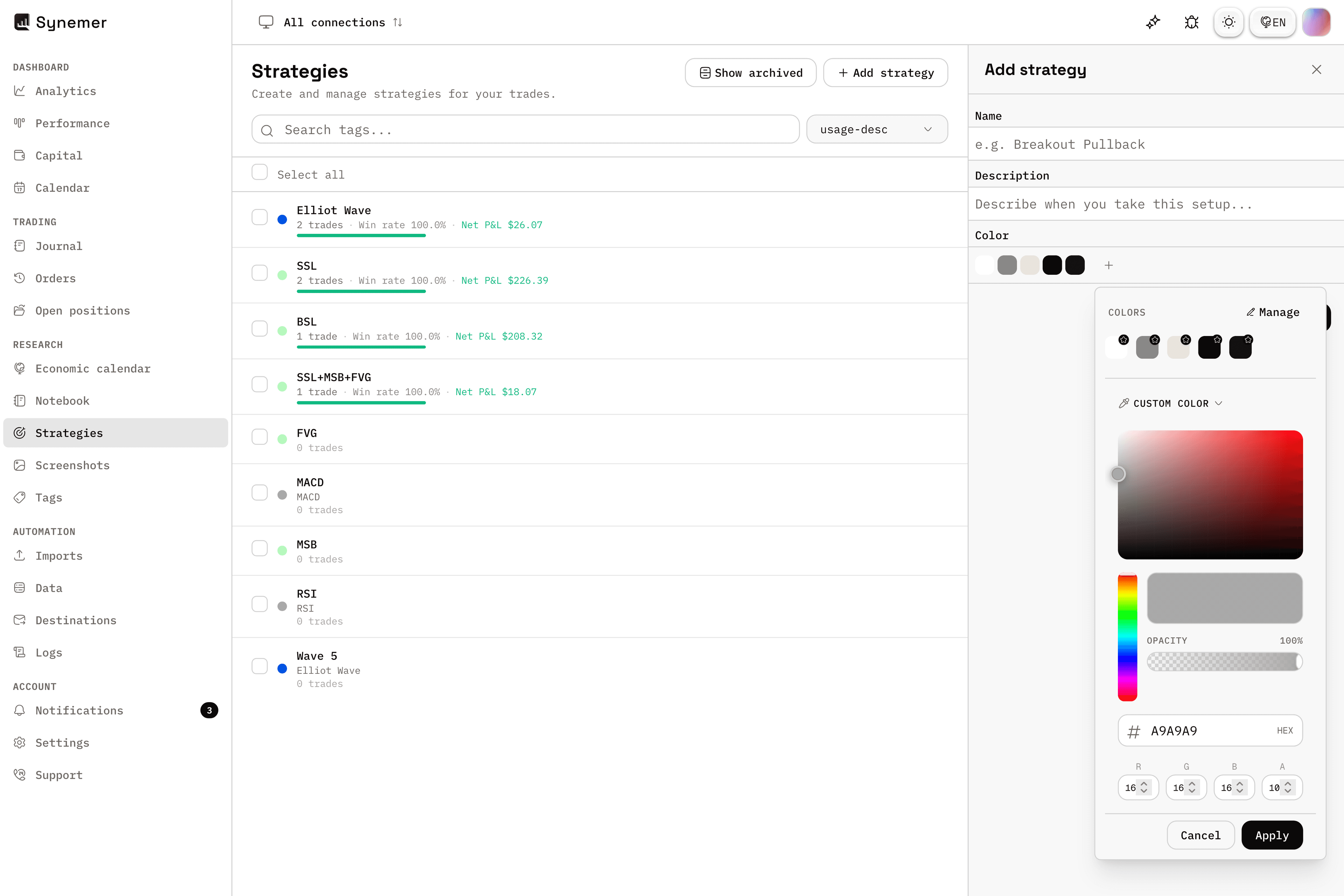
Know which strategy actually works
Tag trades to strategies and see which setups make money over time.
Double down on what works and drop what does not.
- Organize trades by strategy
- Strategy-level performance
- Compare setups side by side
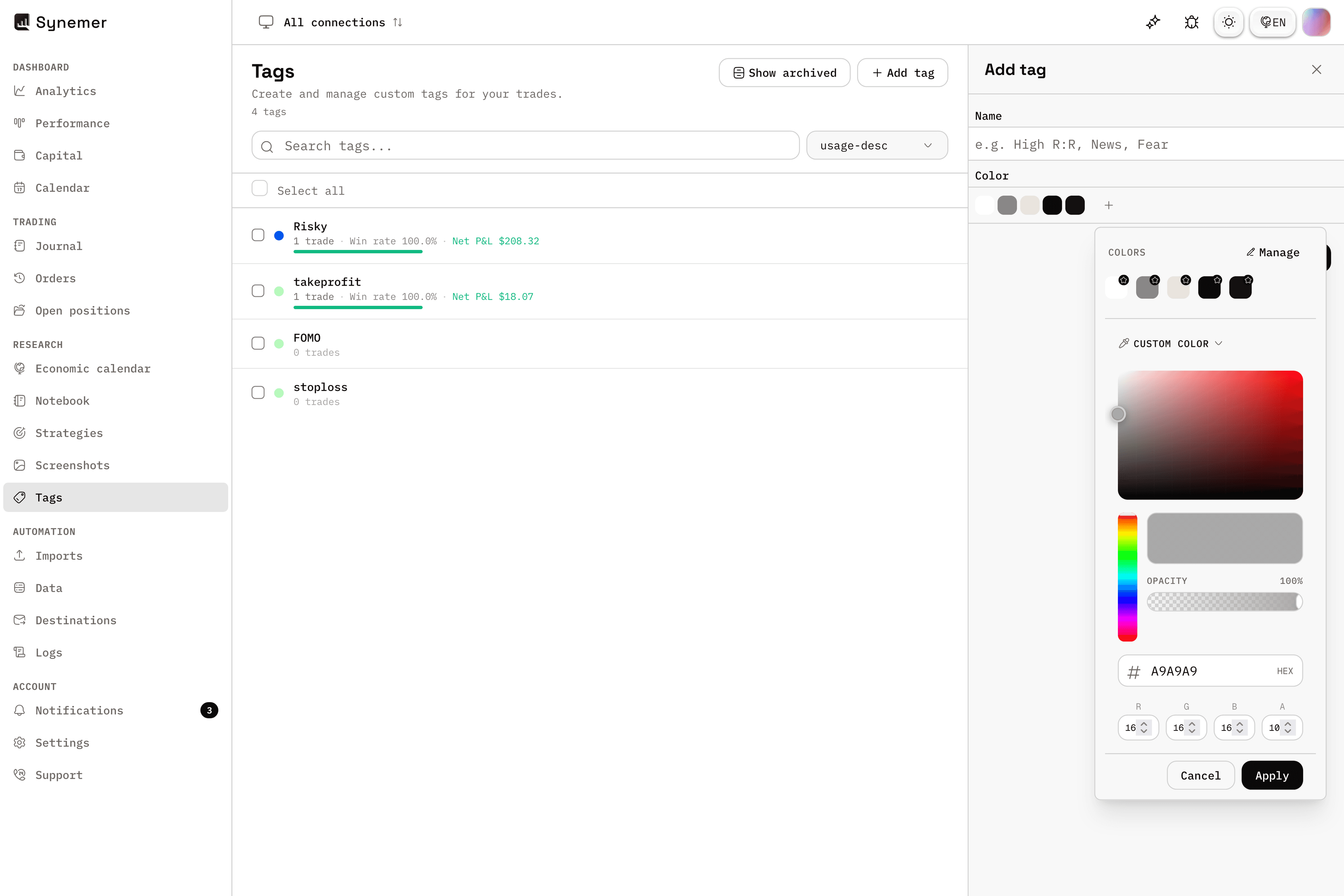
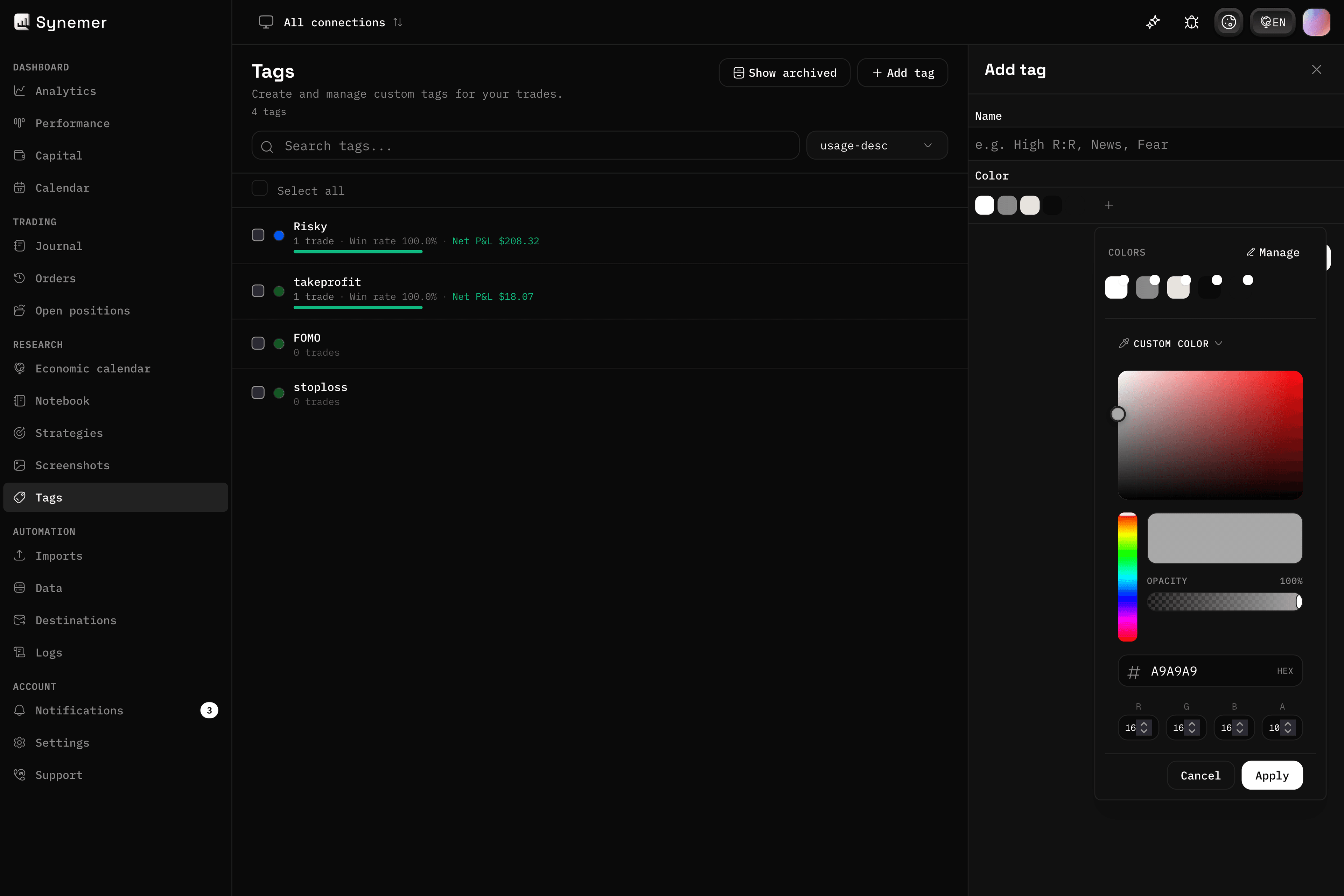
02 — Tags
Organize your trades your way
Create your own tag categories and label every trade the way your process works.
Filter instantly to review exactly what matters.
- Custom tag categories
- Instant filtering and search
- Tag history on every trade
03 — Notebook
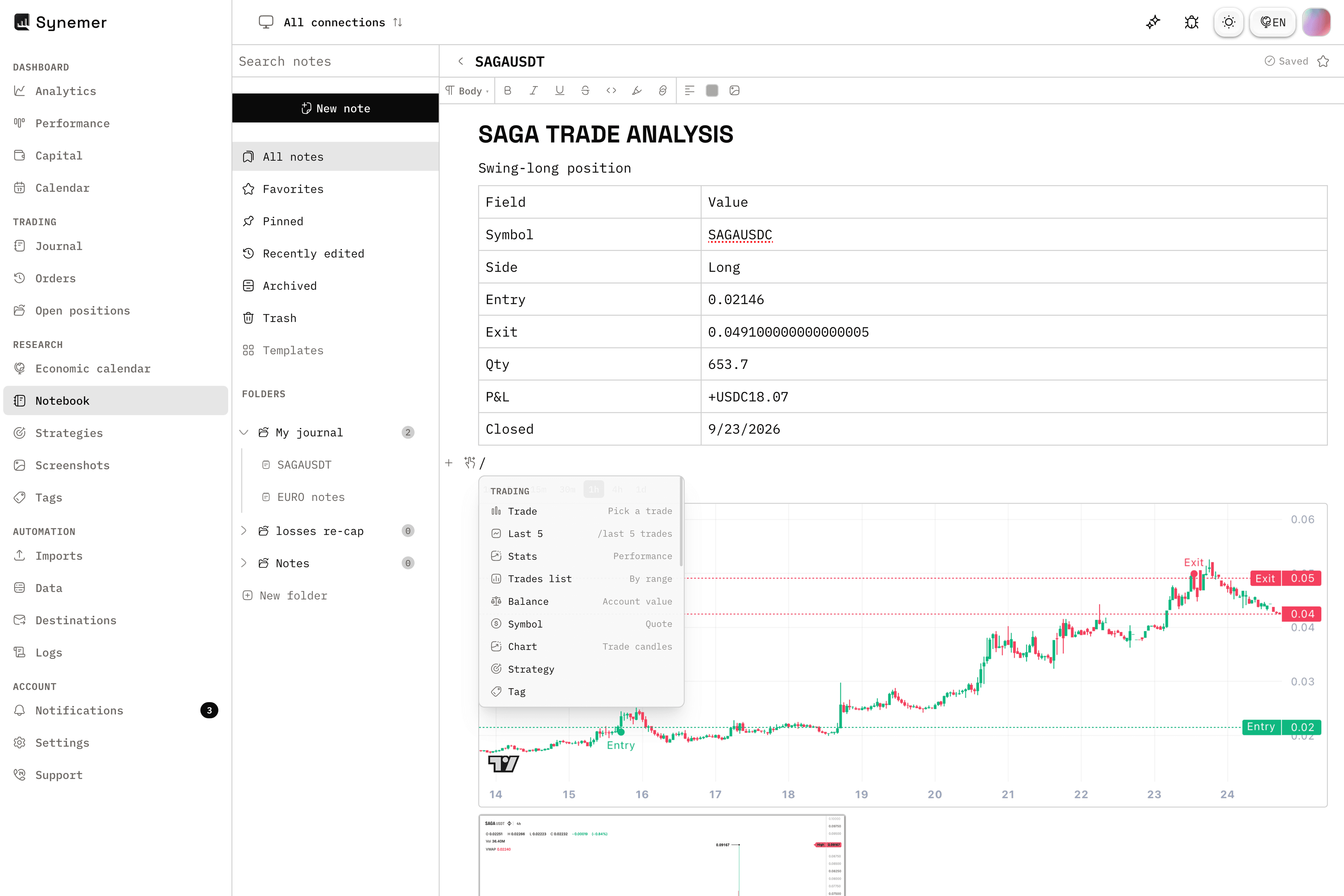
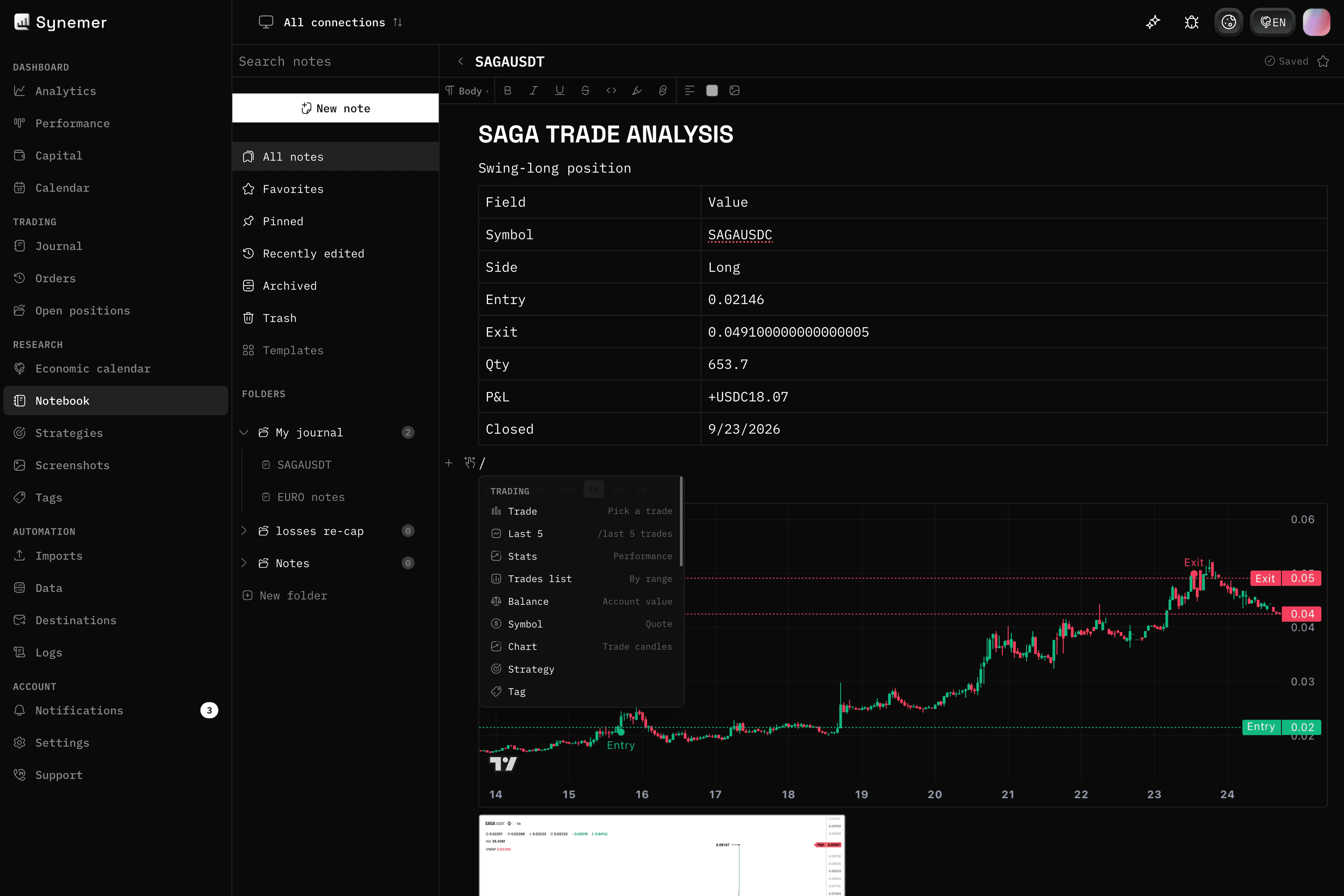
Notes and research, next to your trades
Write trade reviews, playbooks and daily plans in one place. The notebook sits beside your journal, so your thinking stays with your trades.
Link notes to trades, attach screenshots and reuse templates for the reviews you repeat.
- Rich notes with folders and templates
- Link notes to specific trades
- Daily, review and playbook templates
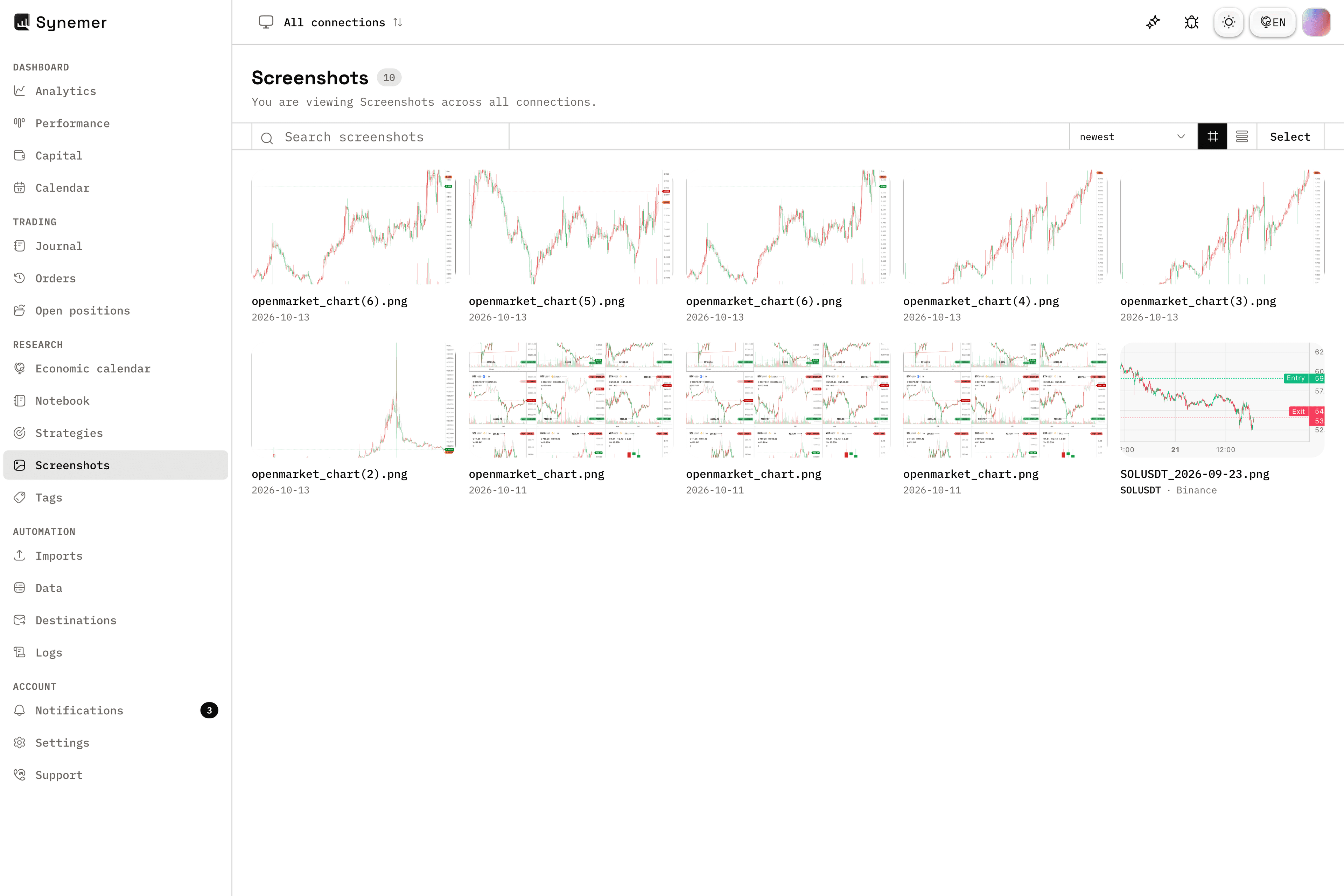
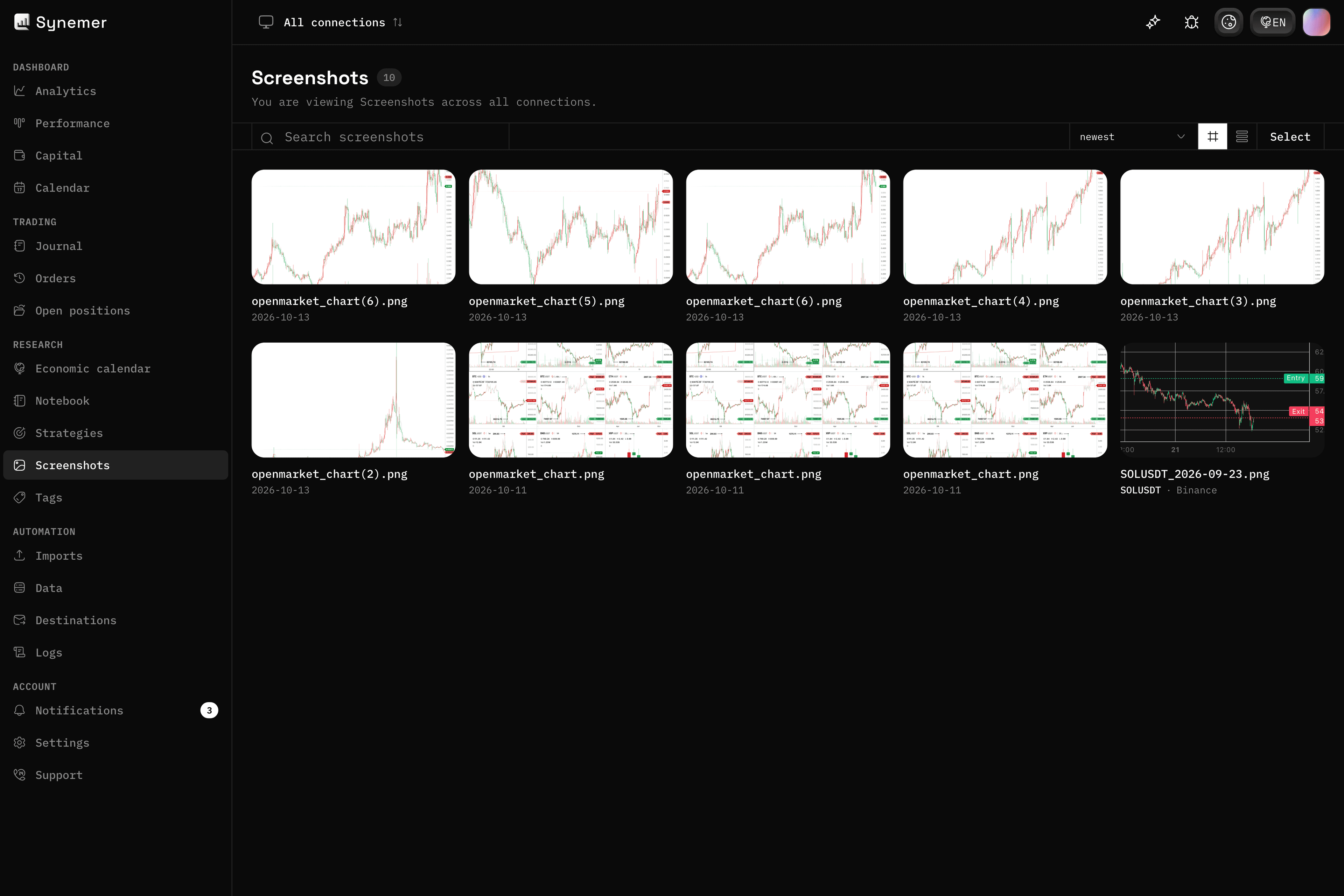
04 — Screenshots
Chart images on every trade
Attach chart screenshots to any trade and keep the picture behind the decision. Your before and after views stay with the trade, not in a folder somewhere.
Browse every screenshot in one gallery and jump straight back to the trade behind it.
- Attach up to 25 images per trade
- One gallery for every screenshot
- Open the trade from any image
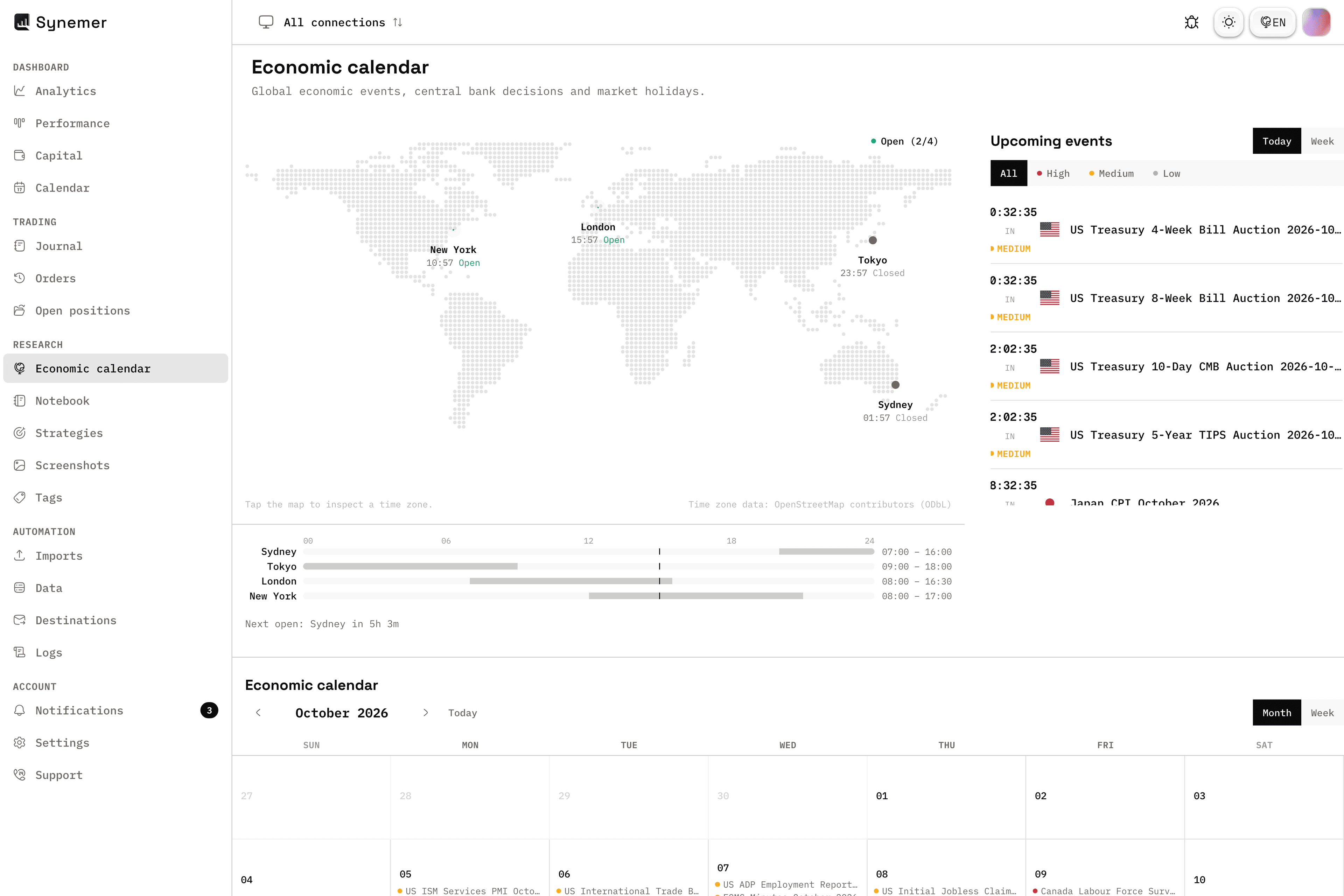
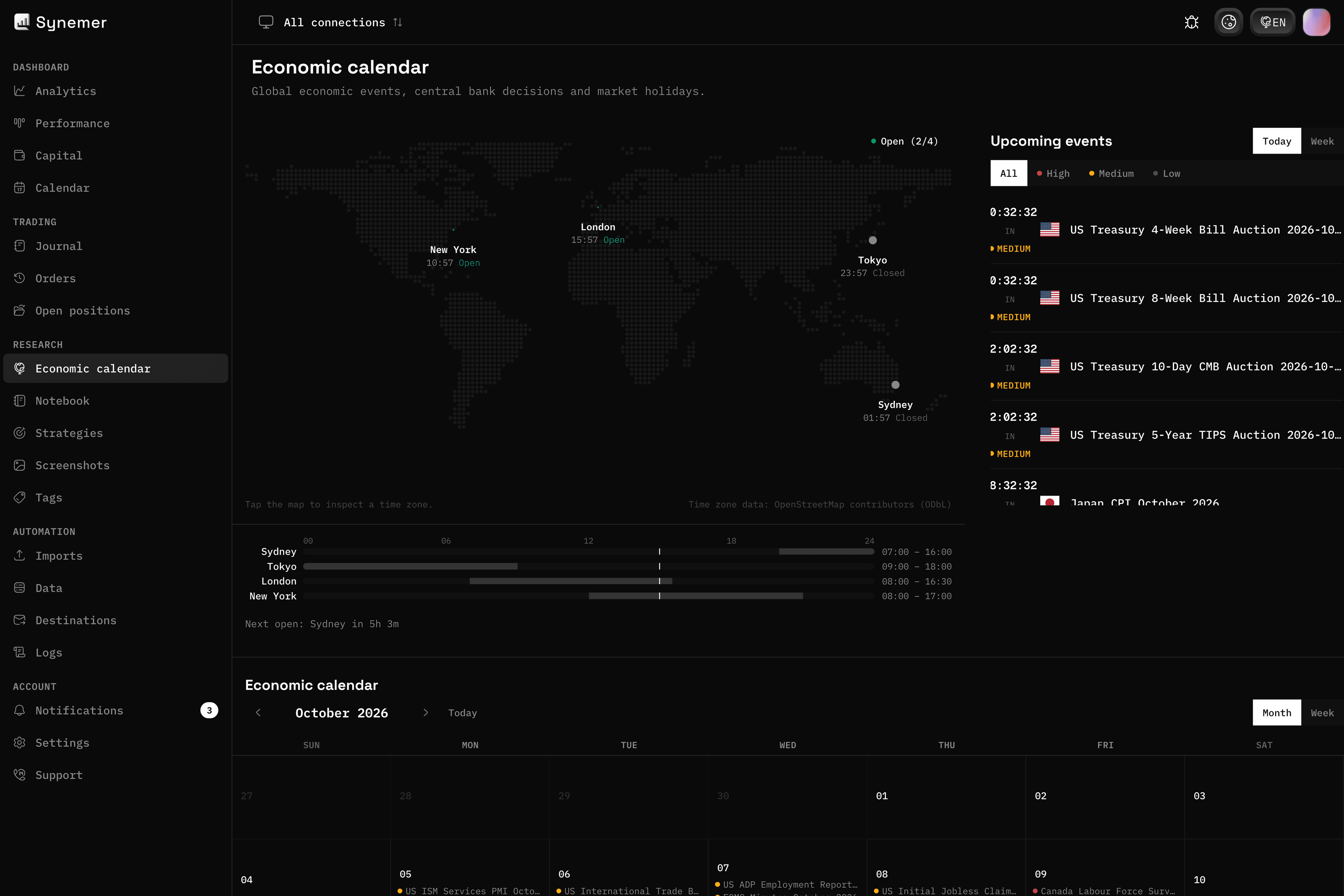
05 — Economic calendar
Know what moves the market
See global economic events, central bank decisions and market holidays in one calendar. Plan around the releases that hit your symbols.
Filter by impact and currency, and keep the market clock in view.
- Global events and central bank decisions
- Filter by impact and currency
- Market clock and holidays
Automation
Bring your data in automatically and send it wherever you need it.
01 — Imports
CSV import for everything else
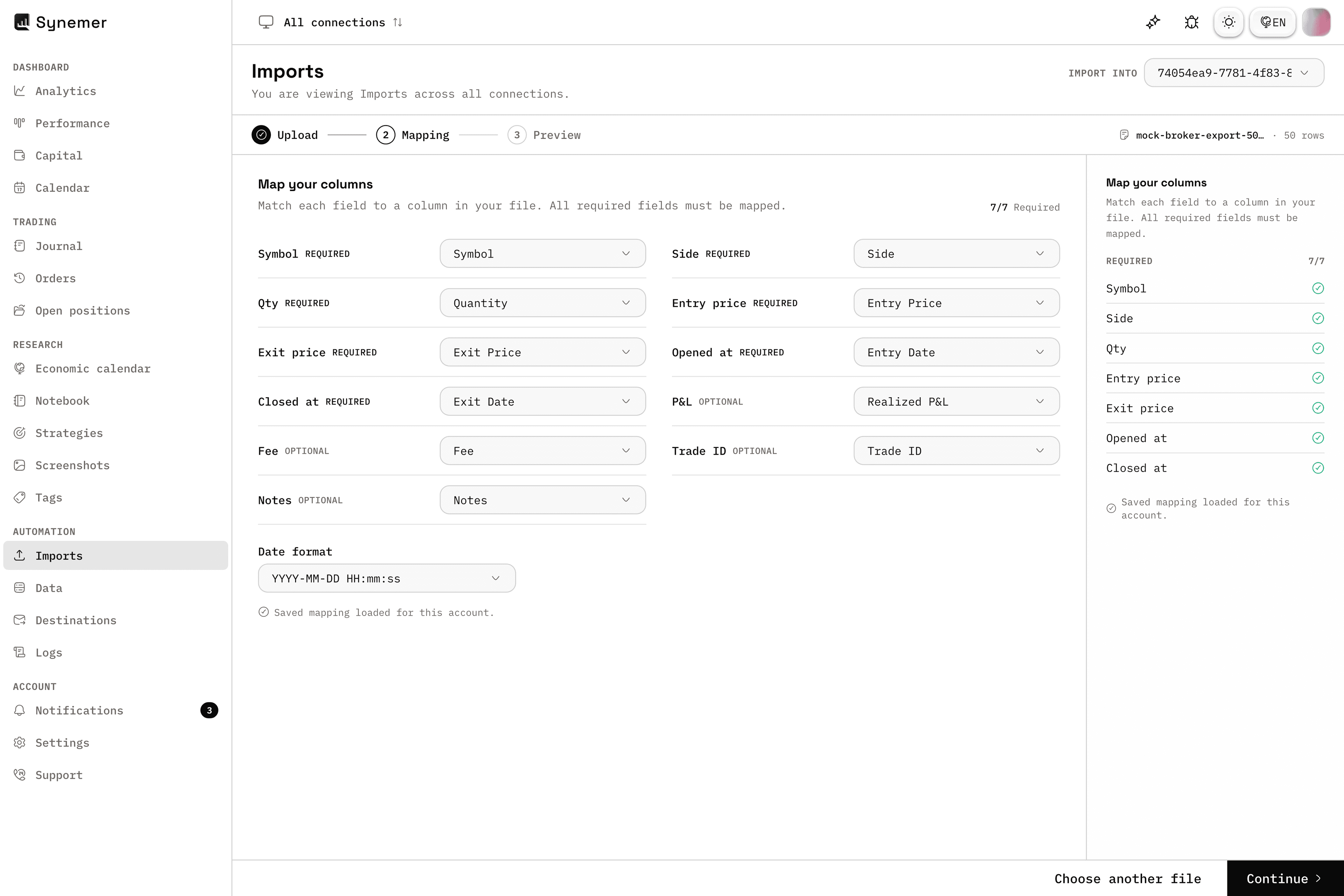
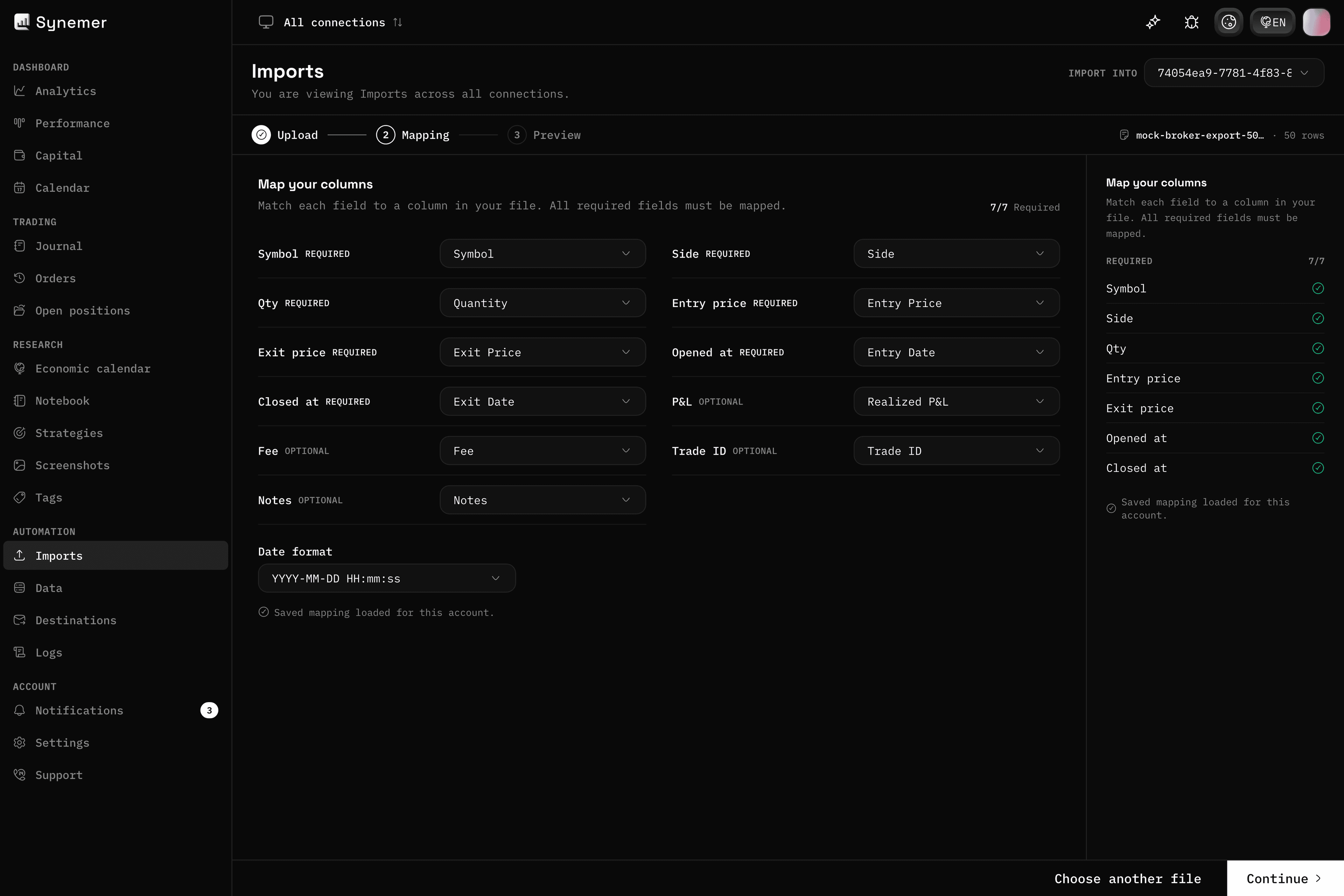
No API? No problem. The CSV import wizard maps your columns and checks for errors before anything enters the journal.
It covers any broker or exchange that can export a file.
- Column mapping wizard
- Error detection before import
- Works with any CSV export
02 — Data
Your data, yours to export
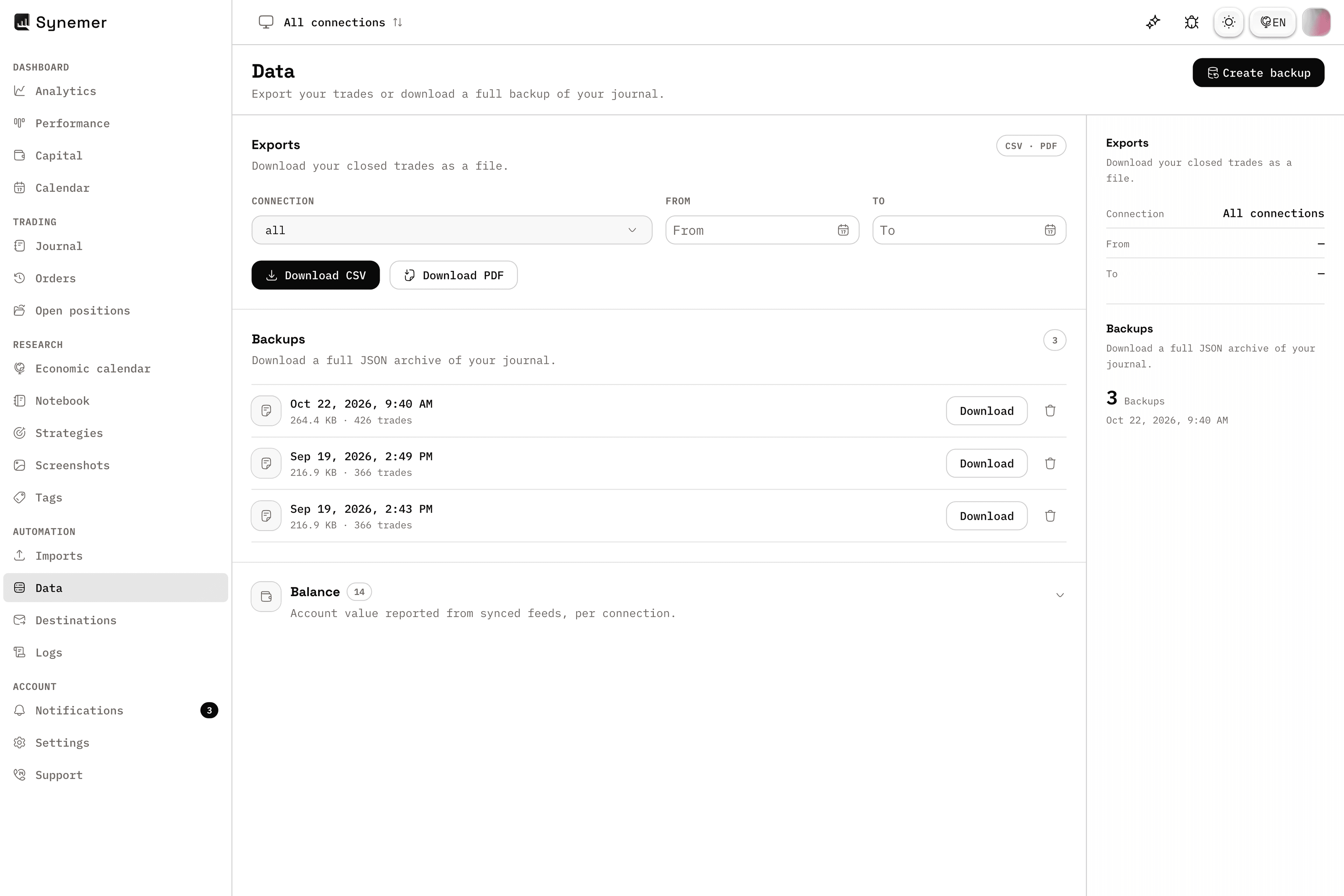
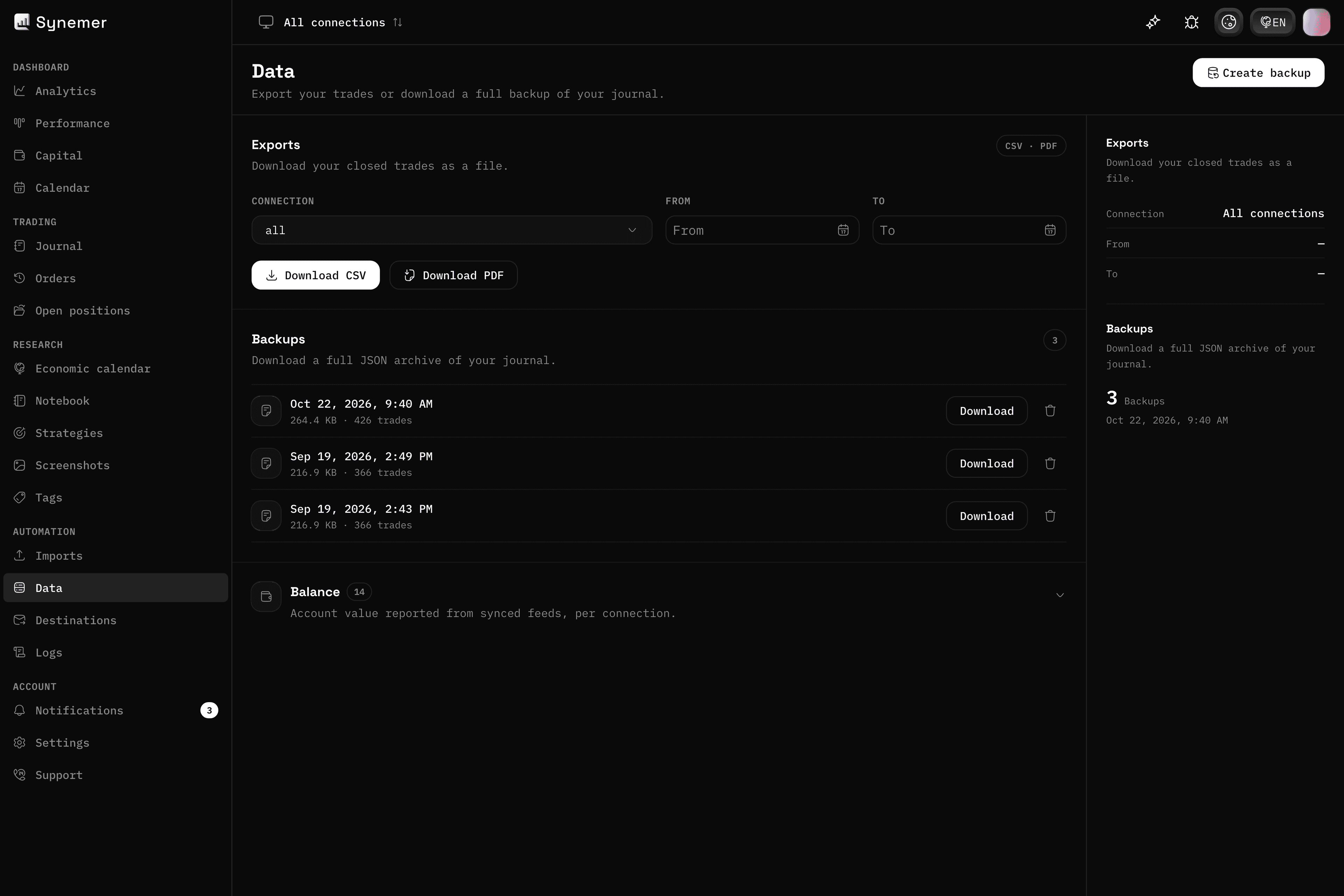
Export your entire journal as CSV or PDF, for any connection and any date range, whenever you need it.
Create backups and download them anytime, so your trading history is never locked away.
- CSV and PDF exports
- Backups you control
- Any connection, any date range
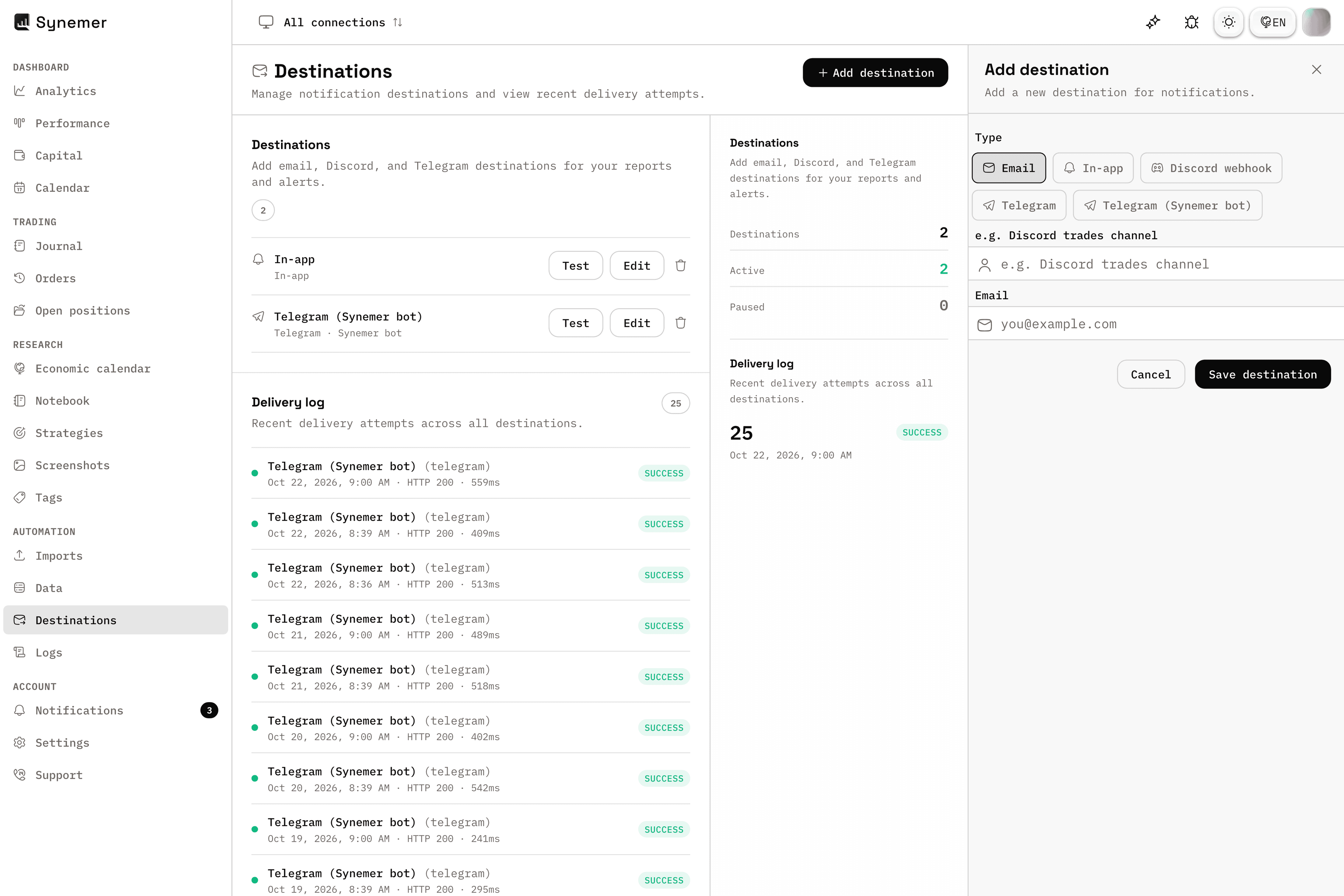
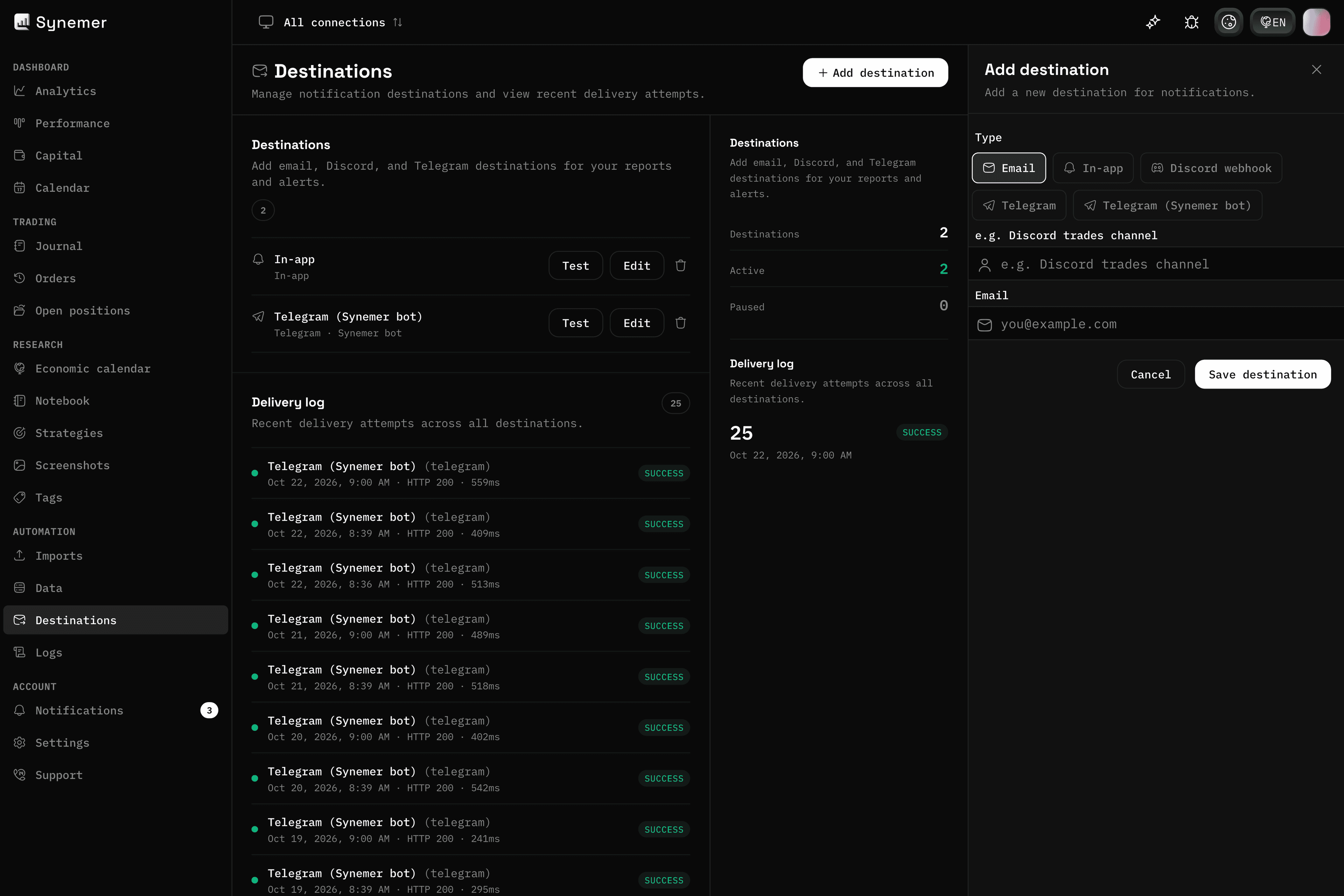
03 — Destinations
Your reports, delivered where you work
Route performance reports and trade alerts to email, Discord, Telegram, or in-app.
Test any destination before you rely on it and review every delivery attempt in one log.
- Email, Discord webhook, Telegram, and in-app
- Delivery log for every attempt
- Test before you save
Frequently asked questions
Does Synemer have a free plan?
Yes. The Free plan includes one exchange, broker or platform connection, manual trade entries and basic analytics. No credit card required.
Which platforms does Synemer connect to?
Synemer connects to crypto exchanges, brokers and trading platforms. For everything else, the CSV import wizard covers any broker or exchange that can export a file.
Can I keep a journal without connecting an account?
Yes. You can add trades manually from day one and connect your accounts later whenever you are ready.
Is my trading data secure?
Yes. Exchanges are connected with read-only keys, so Synemer can never move your funds, and your data is protected with row-level access controls.
Ready to build your routine?
Connect your first account and start reviewing trades in minutes.
Free plan included. No card required.